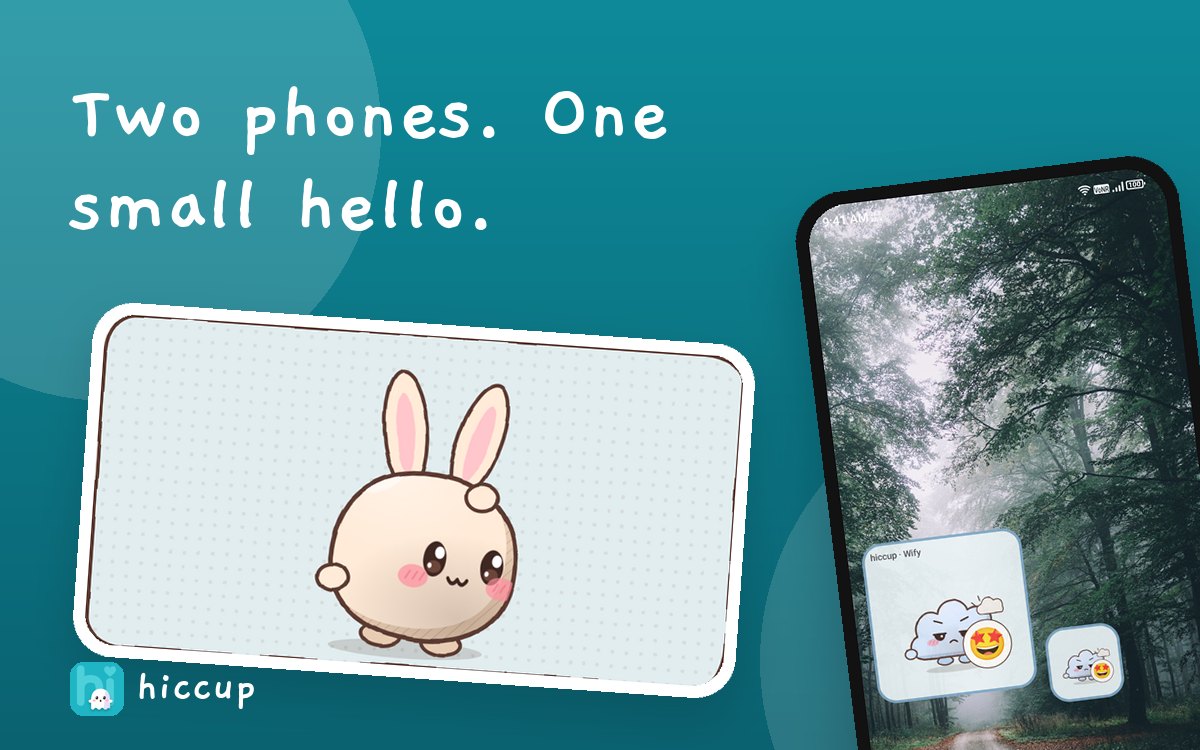
Install Hiccup from Google Play on an Android 12 or newer phone, sign in with Google or an email link, share your short invite code with the person you miss, and both say yes. Then pick a mood, tap Send, and add a widget so their hiccups land on your home screen.
What you need
- An Android phone running Android 12 or newer, for you and for the other person.
- A Google account or an email address to sign in.
- An internet connection. Hiccups travel over the internet.
Step 1: Pair
- Install Hiccup from Google Play and sign in.
- Choose who is inviting. The inviter's screen shows a short invite code.
- The other person enters that code. The inviter accepts, so both of you have said yes.
- Pick a Bu Bu look for them, and give them your own private name for them, like "Wify" or "Mom".
You can keep up to five people, each with their own look and their own widget.
Step 2: Send your first hiccup
On the Us screen, pick a mood such as Love or Miss you, choose a look, and add an emoji or a few words if you like. Then tap Send a Hiccup.
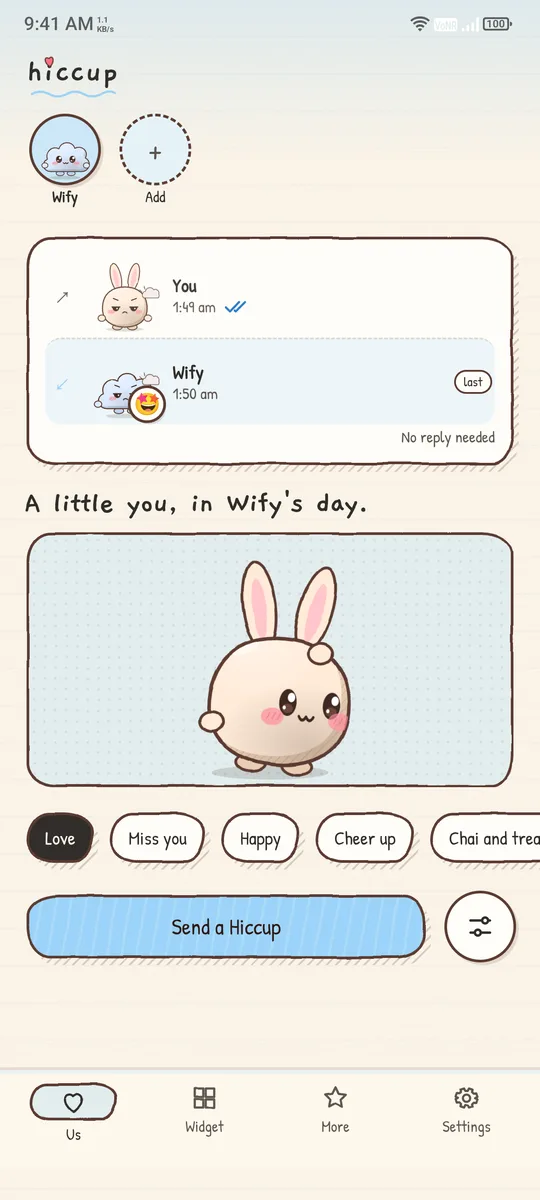
Open Advanced when you want the extras, such as marking a hiccup as secret so it waits behind a tap.
Step 3: Add the widget
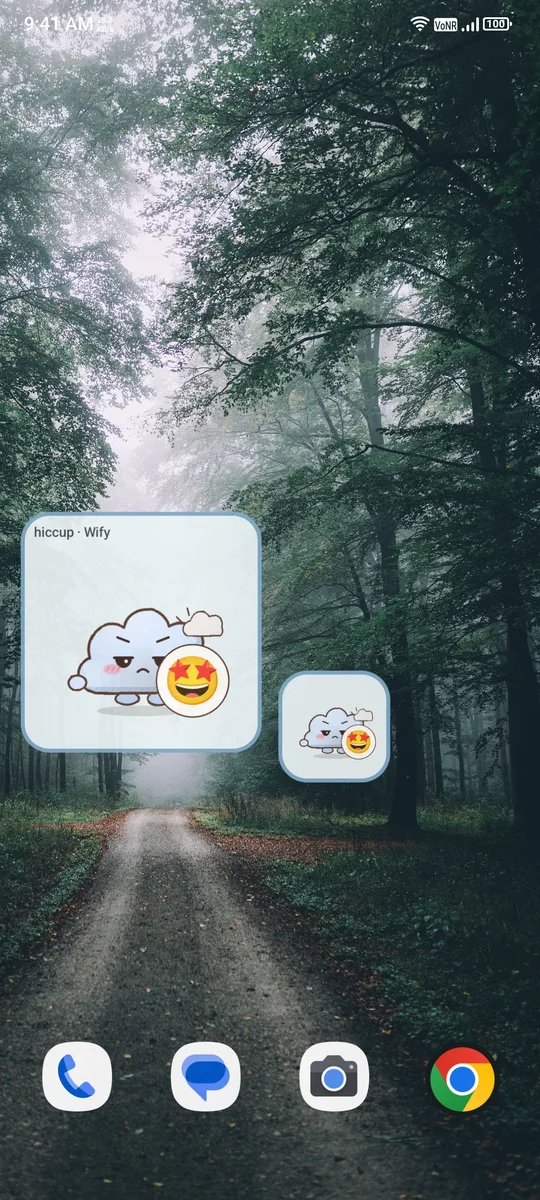
Go to the Widget tab, choose the person, choose a size from small to large, and tap Add widget. Android will ask you to place it. You can show the hiccup directly, or hide it behind a clock face: tap the clock to reveal it for a short moment.
When will it arrive?
When you both have Hiccup open, a hiccup arrives almost at once. When the app is closed, it is picked up within about fifteen minutes, so the widget and notification update without you opening anything. We would rather tell you the real timing than promise magic.
A few kind settings
- Quiet hours and pause receiving keep things calm when you are busy.
- Mute app silences the Bu Bu voices, and effect sounds have their own slider.
- Private notifications hide names and words in pop-ups.
- You can sign out, or delete your account and data, from Settings.
Questions people ask
Which Android version does Hiccup need?
Android 12 or newer.
Is Hiccup free?
Yes, it is free to download and supported by ads through Google AdMob.
How do I pair with someone?
One person shares a short invite code, the other enters it, and the inviter accepts. Both of you must say yes.
How many people can I add?
Up to five, each with their own Bu Bu look and widget.
Can I delete my account?
Yes. You can delete your account and data from the app, or read how at trishunya.tech/hiccup/delete-account.html.
Keep reading
Tell them you miss them.
Hiccup is free on Google Play for Android 12 and above.

Hiccup is for small, warm gestures. It is not a chat, a health service or an emergency service. The folk belief about hiccups in this post is a tradition, not medical fact. Google Play and the Google Play logo are trademarks of Google LLC.