See it move
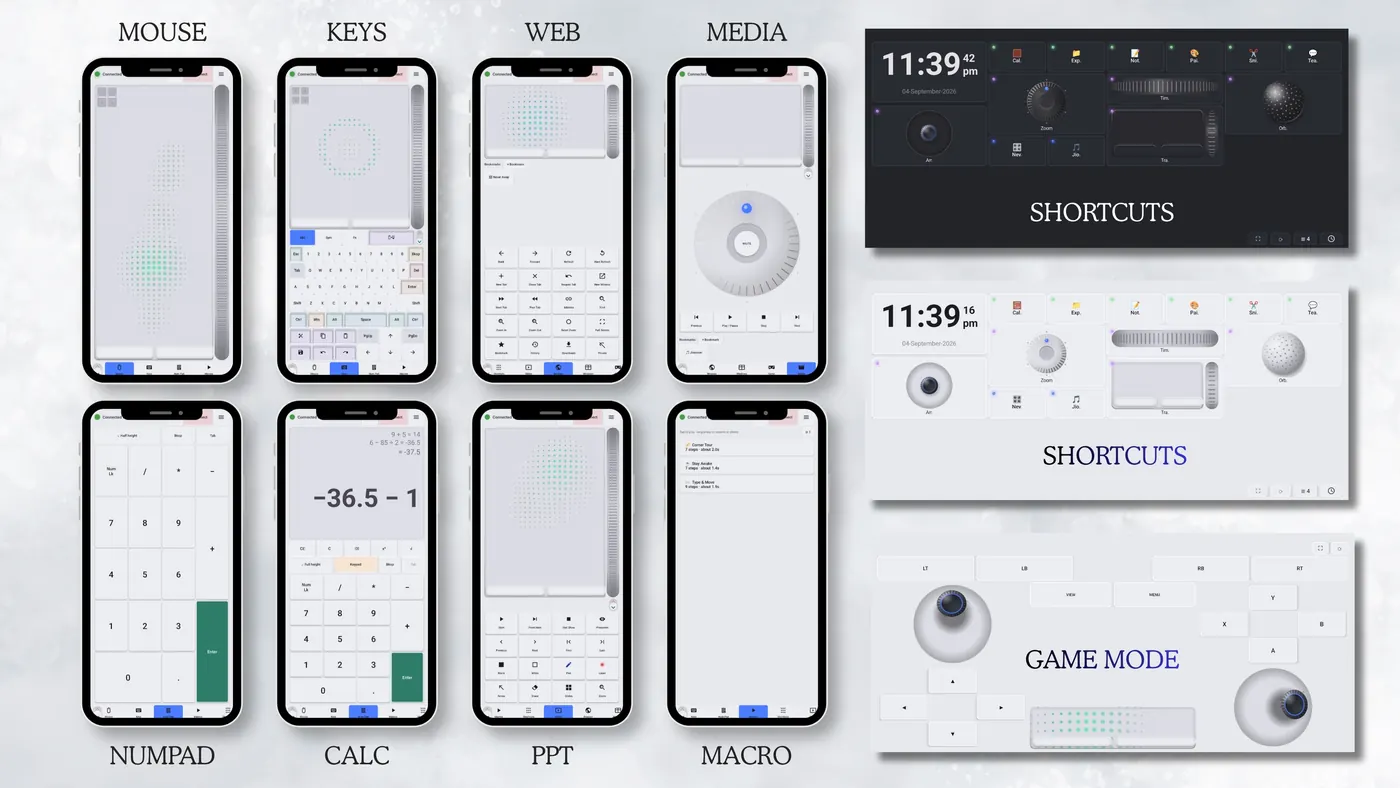
Fifty seconds, eight jobs.
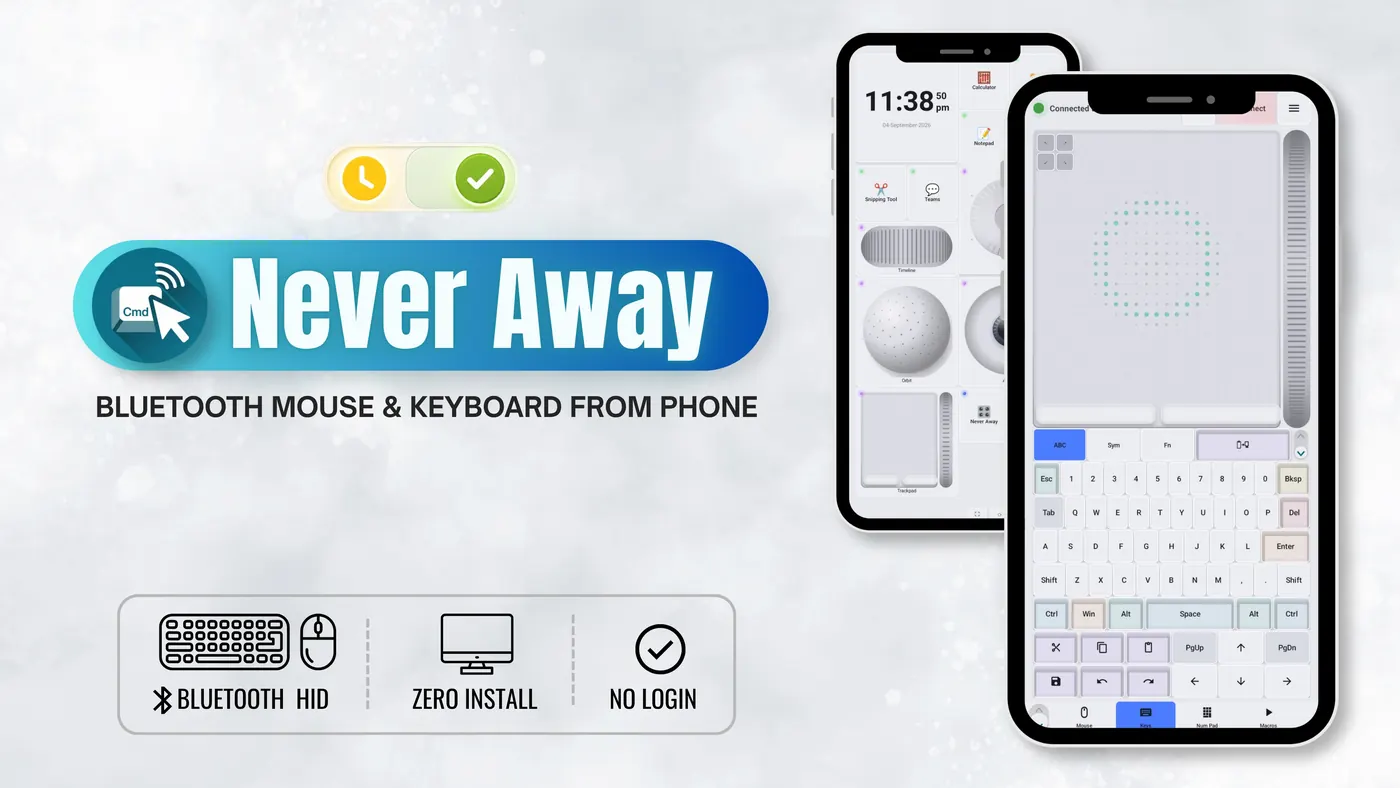
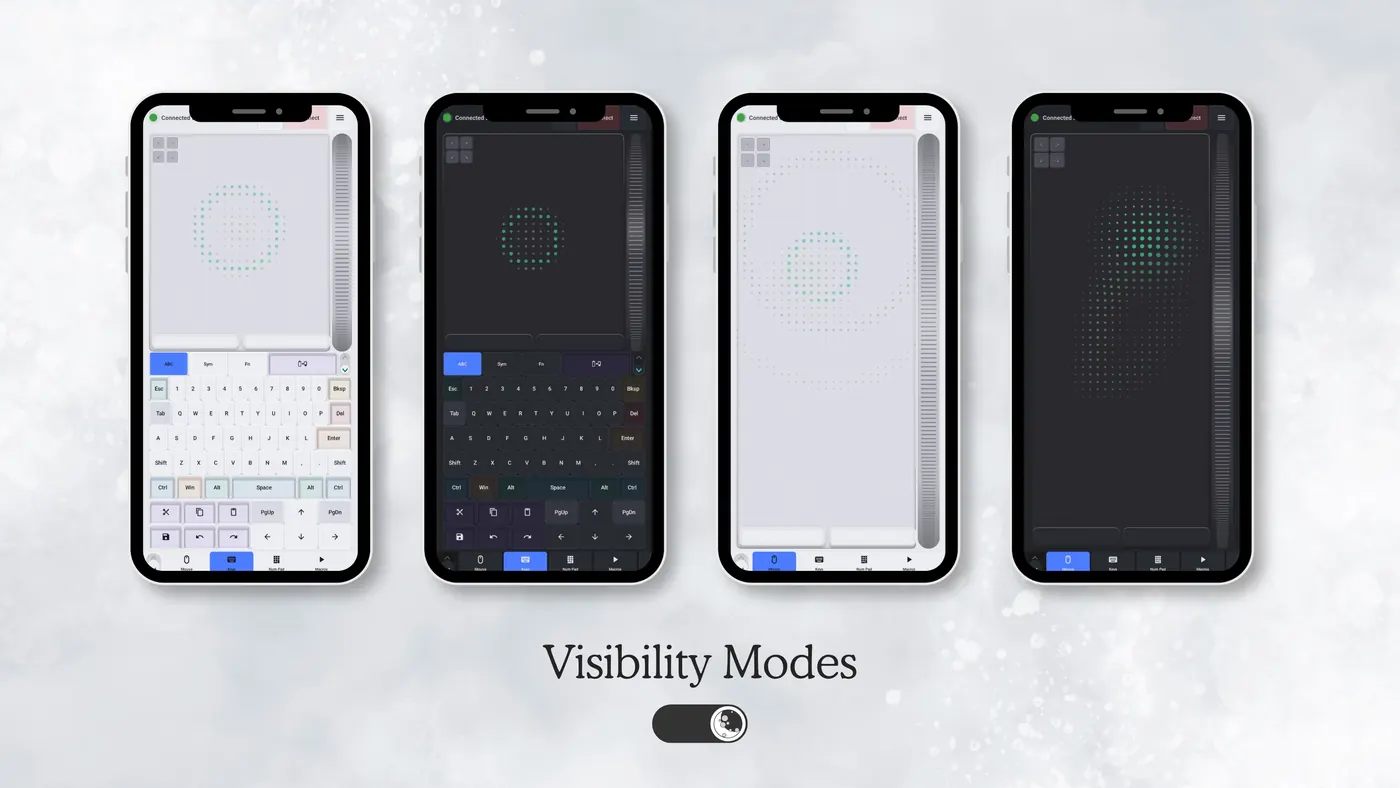
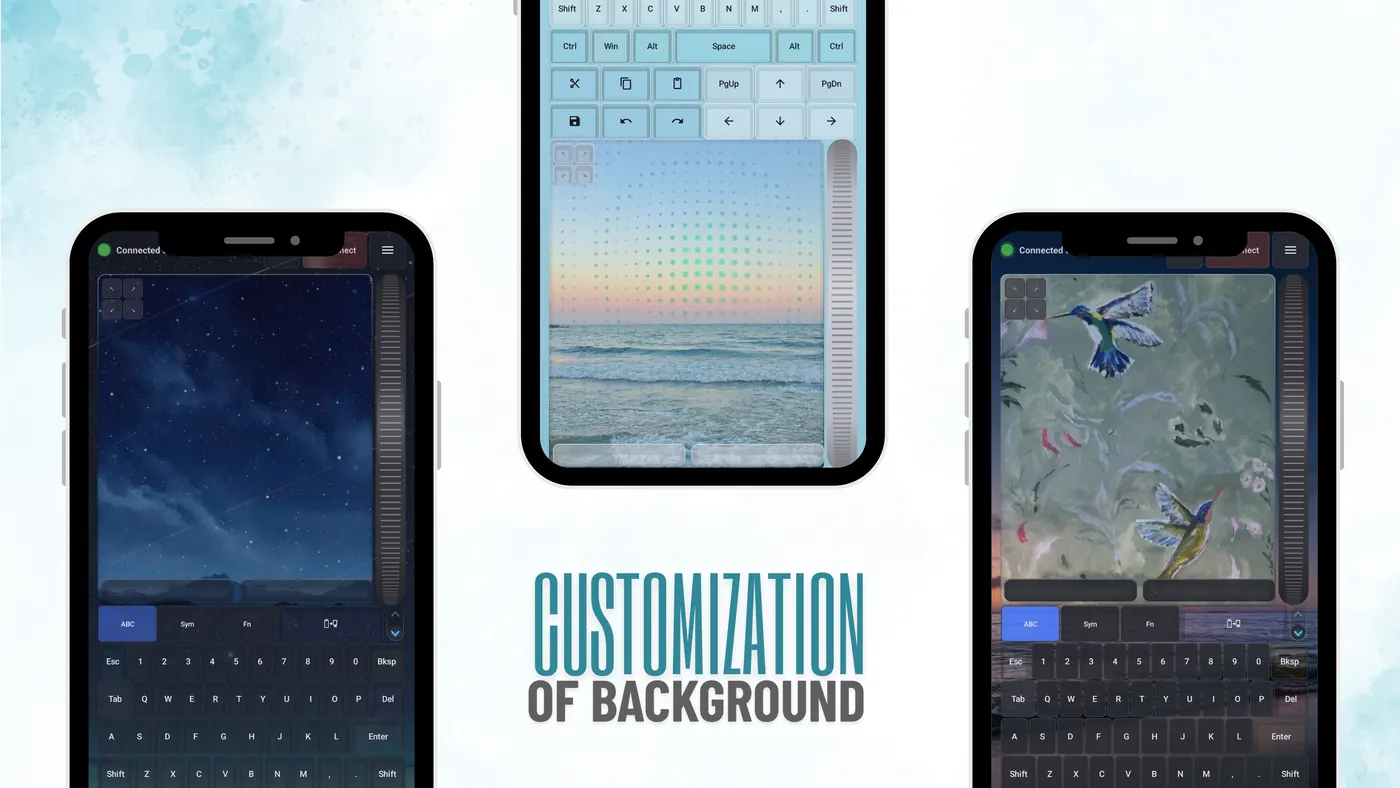
Never Away isn't remote-controlling your computer. It's typing on it, the same way a wireless keyboard from any shop would. Windows already knows how to talk to it.
Open Never Away and tap Connect. Your phone starts advertising itself as a keyboard and mouse.
In Windows Bluetooth settings, add a device. "Never Away" shows up like any wireless keyboard.
The light turns green and the trackpad and keyboard work straight away. Build macros when you're ready.
The app has to start the connection. If the phone is already paired to Windows as a plain Bluetooth device, remove that pairing, then use the Connect button inside Never Away.
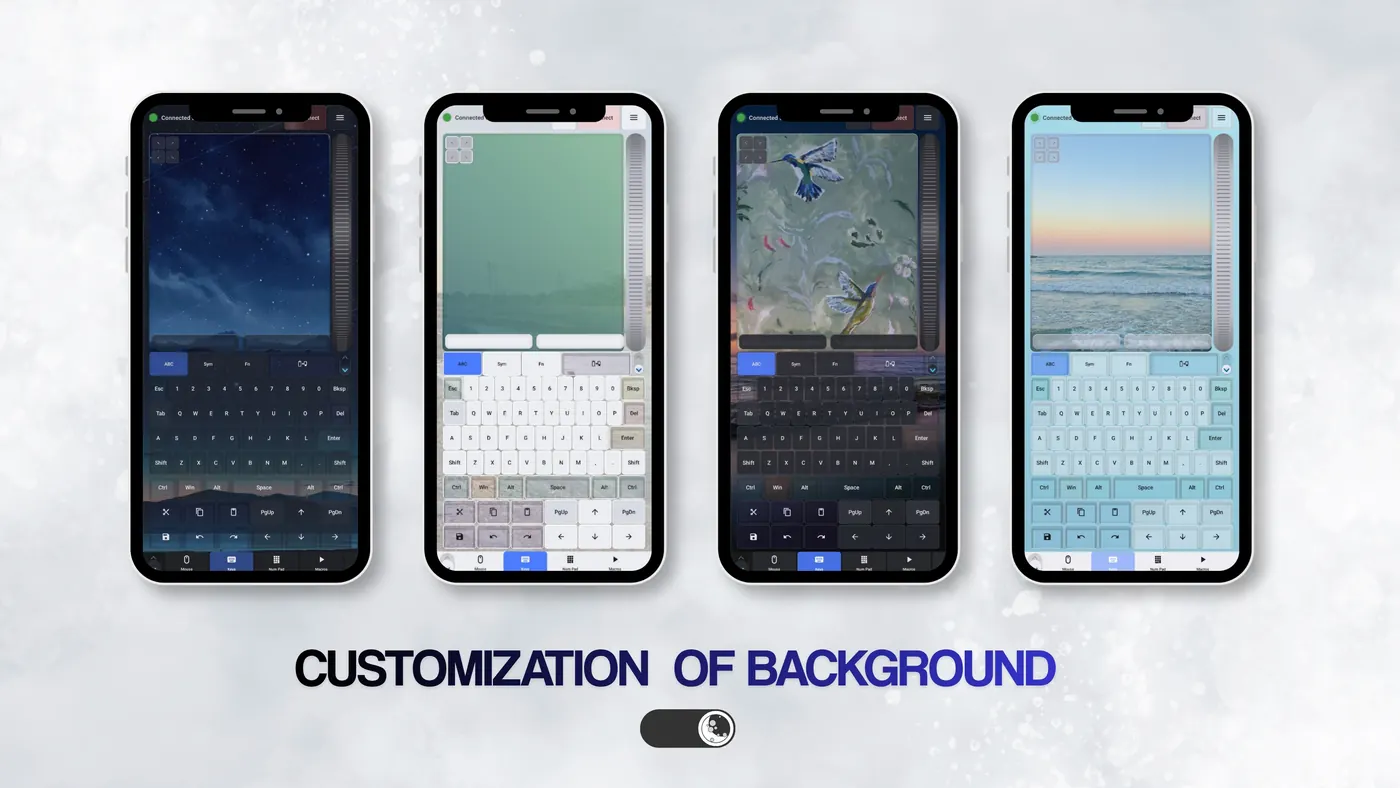
Press a key. Most of these panels below actually work, so go ahead and play.
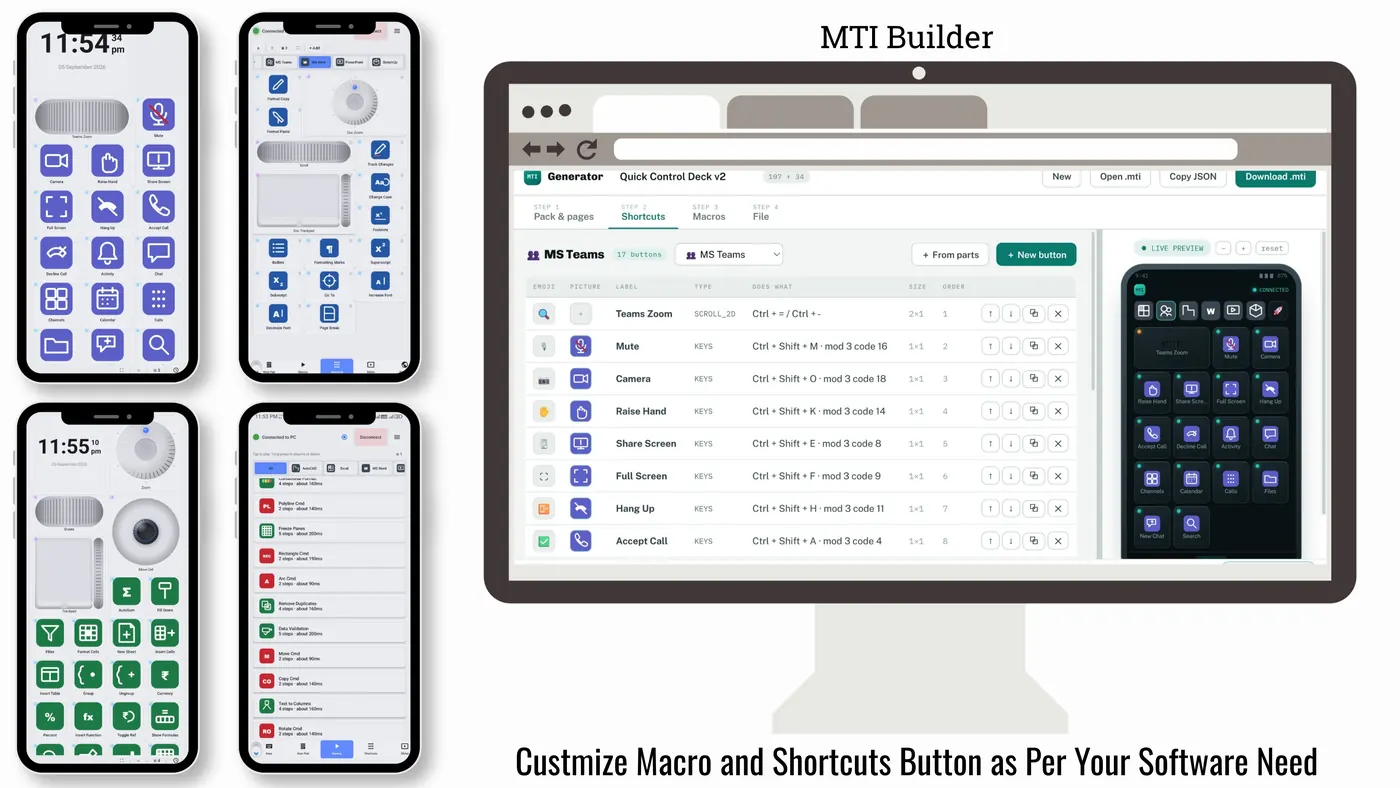
Tap Record, use the Mouse, Keys or Num Pad tabs as usual, tap Stop and give it a name. A macro isn't one click, it's a whole sequence: the moment you sit down, one tap can open your regular websites and launch your usual programs, in order.
Doing hand calculations or sketching away from the keyboard? A looping keep-awake macro keeps your PC session alive, even with your phone screen off, so you don't get marked away mid-thought.
Like a real keyboard, Never Away can send keystrokes and clicks to your PC. It has no way to receive anything back. It can't see your screen, your files, or anything happening on the computer.
Macros, shortcuts, tags and preferences live on the device. Your keystrokes, macros and files are never sent to us.
No sign-up, no name, no email. Install, connect, type.
Bluetooth, typing, macros and shortcuts work without internet. Ads need a connection, and one short video buys a day without them.
The app uses Google Analytics for aggregate usage, Google AdMob for ads, and the Meta SDK to measure installs from our own ad campaigns. Full details in the Privacy Policy and Data Safety page.
Export your macros and shortcuts as a single .mti file, send it to a friend, and import it on their phone. Start from 35 built-in presets, or design your own layout in the browser.
How-to guides for the things people use the phone for most, with the steps taken from the app.
Built solo by Trishunya Infotech, kept free wherever we can, and made to be genuinely useful at your desk.
